Redesigning Dialog
Project overview
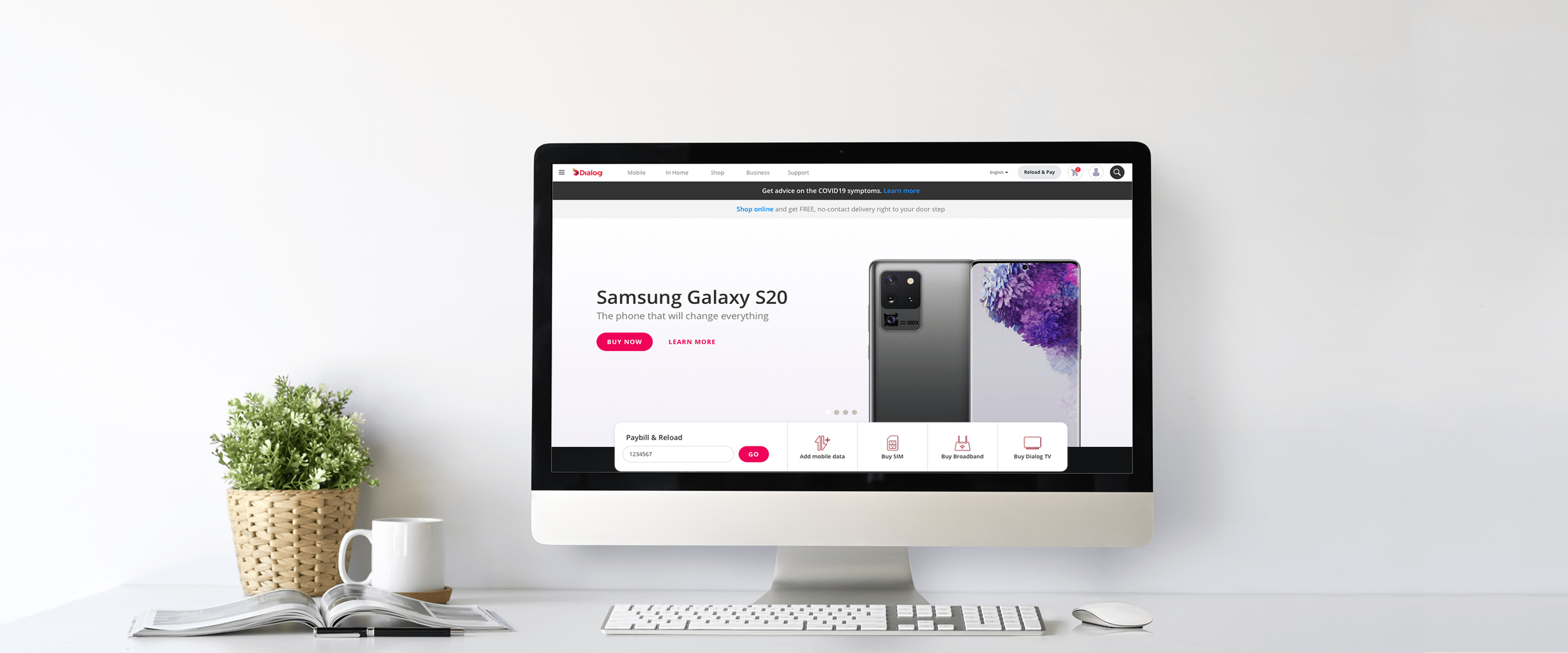
With its last redesign more than 10 years behind it, Dialog decided it was time for an update, this time with more emphasis on providing a unified user experience across its products. In other words, a number of features on the website would also be used by the Dialog Selfcare App and a few other Dialog products. I was brought in as the first designer on the project to lay out the framework and create a proof of concept for the project to kick off. The site has over a million monthly visits and more than 500 unique pages covering Dialog Axiata's entire portfolio. The project was not just a redesign but also a complete shift away from its existing content management system. Hence, management didn't want a single big-bang release, but a staggered rollout as it was being developed.
My responsibilities included gathering requirements, user research, design, testing and overseeing the development of the project. Once the project kicked off, I was joined by three others to form a team, which I led.
User testing
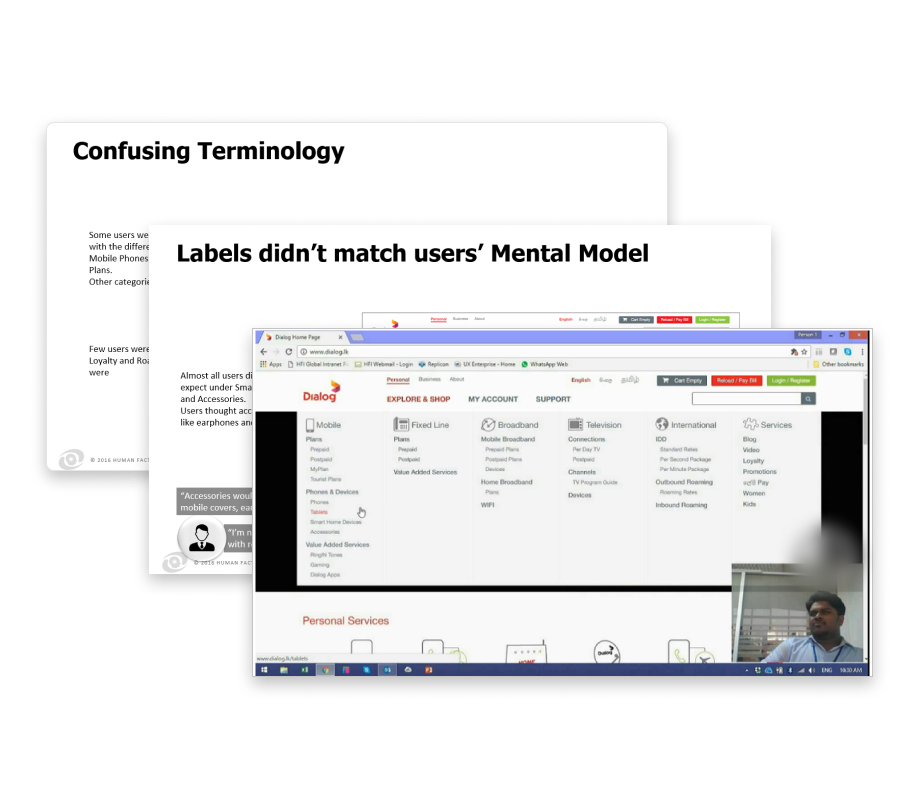
User testing was conducted by an independent agency before my arrival to validate the need for a redesign. The tests focused primarily on the explorability of the site and on device purchases. This gave us a lot of insight into the issues users faced and later helped us convince the stakeholders.
Summary of issues we identified
- Navigation and product findability were difficult and confusing
- Affordance issues affected the usability of many elements, with cases of both false and poor affordance
- The terminology used on the website did not match users' mental models
- Users were confused by unexpected steps on the website and said they would give up at those stages
Analytics
Now that we had a good understanding of the issues our users were facing, we wanted to gather some quantitative data as well. Unfortunately, we were met with a setback.
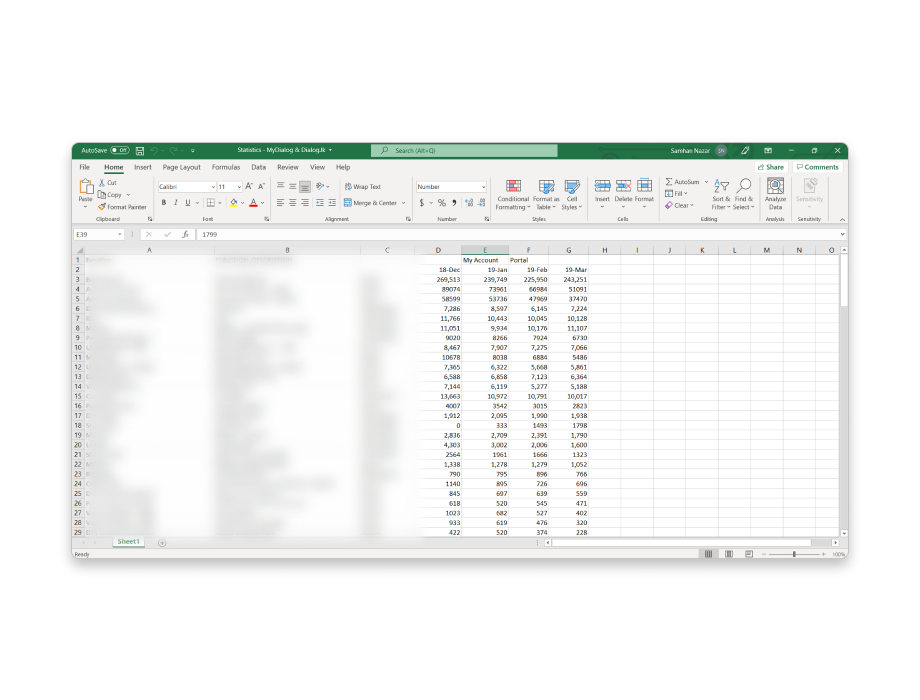
The only analytics tool integrated into the website was Google Analytics, and even that was only configured to track page visits. To offset this, we manually collected data from other business units and stakeholders. Using everything we gathered, we were able to fill in the blanks to some extent and get started.
We used page hits to learn which pages were frequently visited and which were obsolete, while the data from business units helped us gauge how well each was performing. Using this data, we were able to prioritize pages and create the information architecture for the site.
Competitive analysis
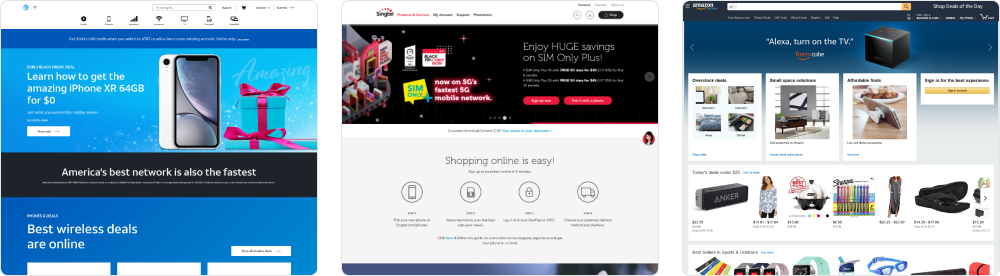
Once we had noted down the issues and gathered the analytics, our next step was to see how competitors were solving similar problems. Here we had to turn to popular telecommunications providers around the world, since local competitors' websites were quite outdated at the time of our research.
We looked at many competitors for various reasons, but primarily benchmarked against Singtel, AT&T and Amazon, with Amazon mostly used as a benchmark for the e-commerce part of the Dialog website.
Information architecture
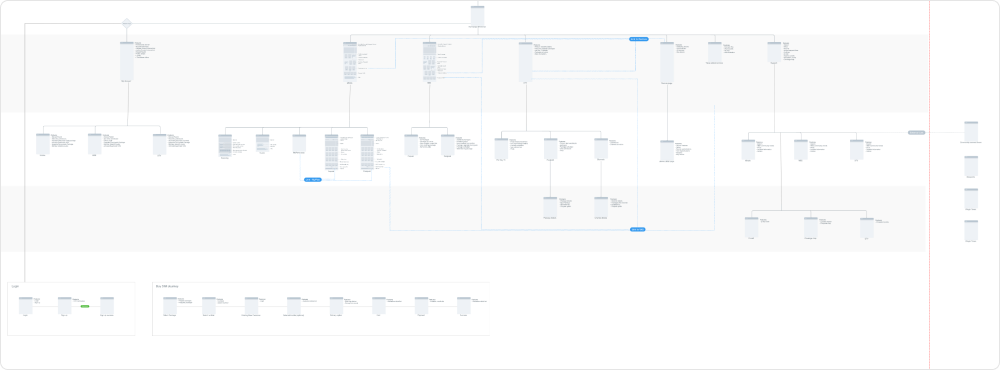
Once we were done with the research, we created a detailed information architecture to get a complete picture of the website. We used open card sorting to confirm our hypotheses and learn the terminology our users use.
Navigation
With the information architecture in place, we started working on the top navigation. Since this was one of the key issues identified, we did a lot of iteration and testing until we got the desired result.


Wireframes
Because of the staggered release approach, most wireframes would need changes, since business requirements would have changed by the time we converted them to high-fidelity designs. So the main purpose of the wireframes here was to get a rough idea of how many reusable components and templates we needed to create for the website.
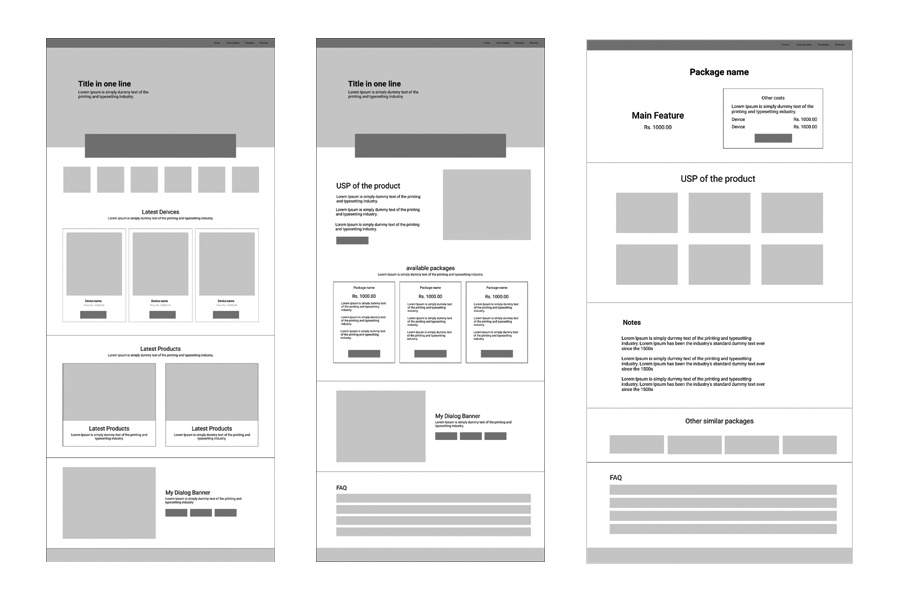
Homepage
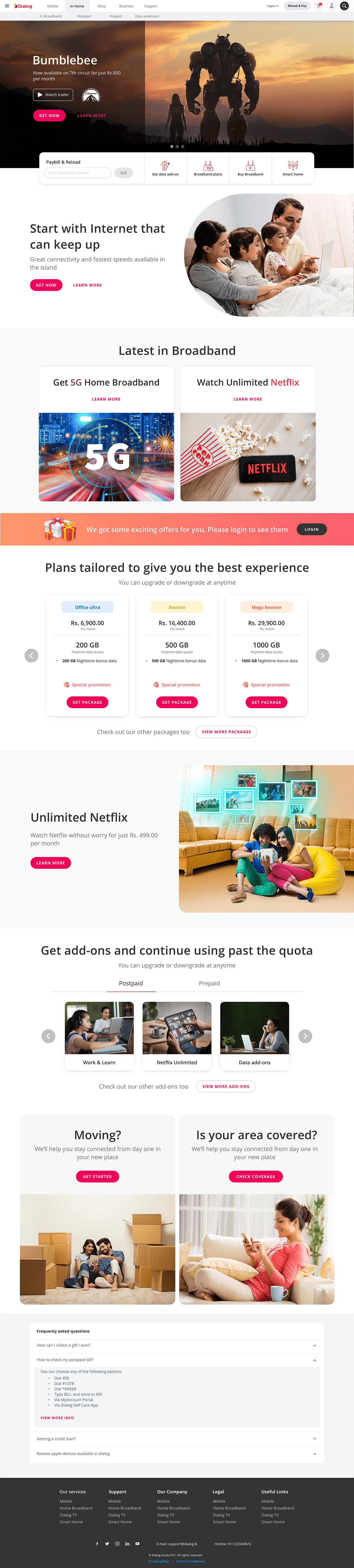
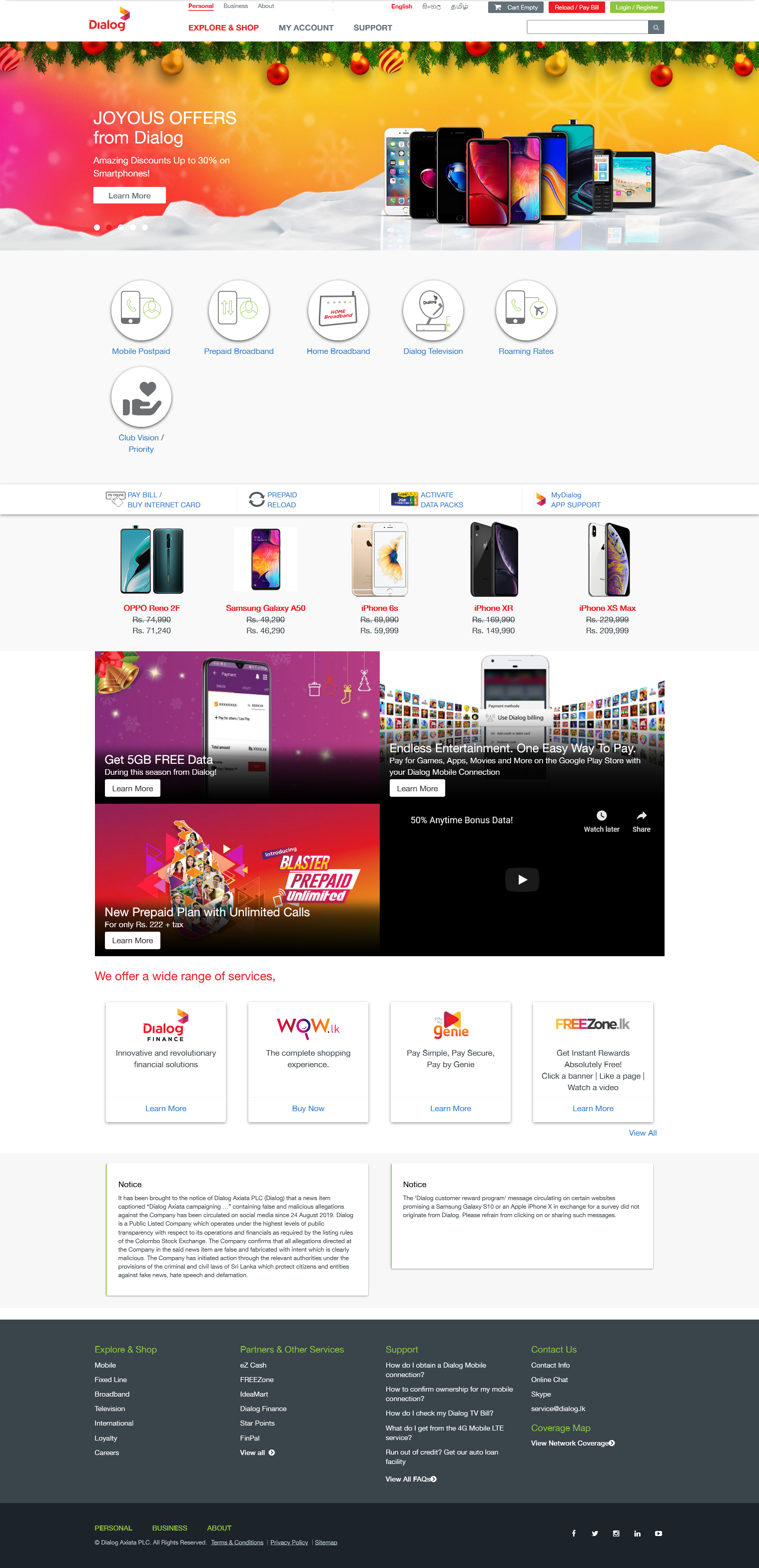
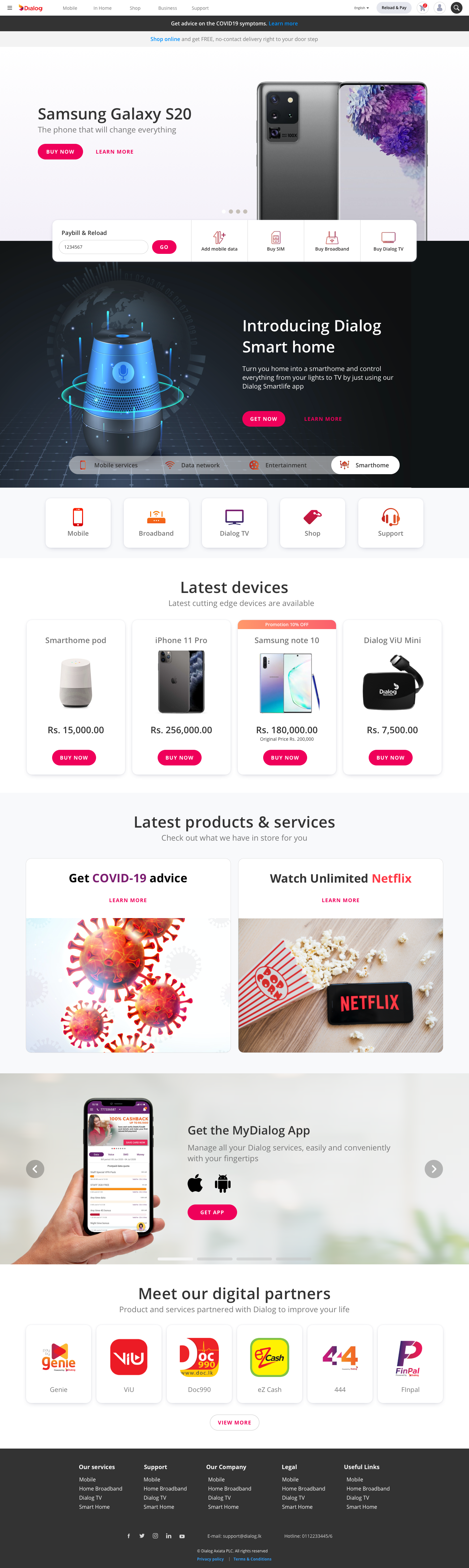
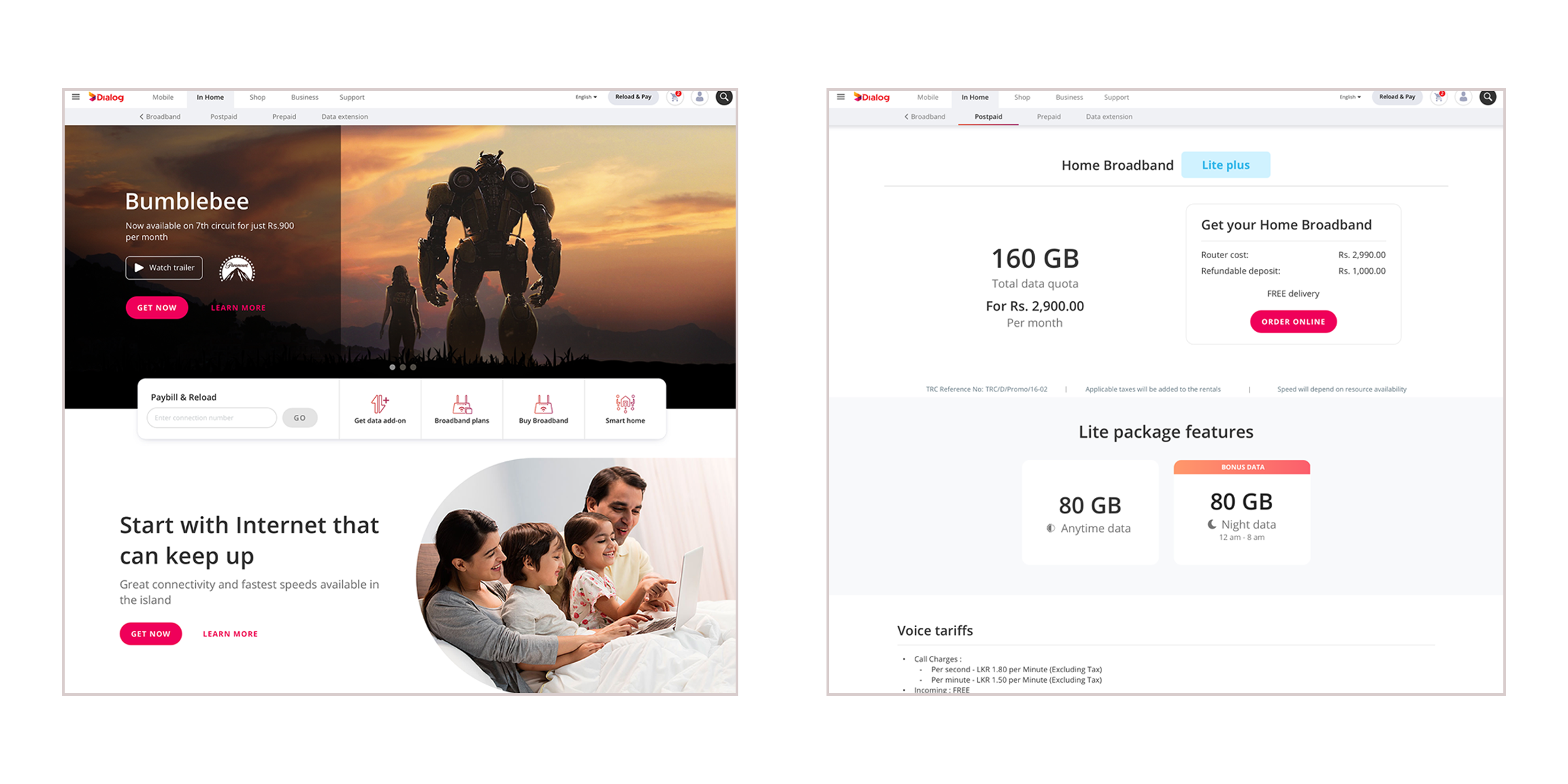
As the main page of the website, it needed to cater to existing users who come with a purpose while also being exciting for new and exploratory users. Having the user testing data was very helpful here.
One of the key issues we identified during user testing was that users were unable to find the products they were looking for. Most users completely missed the search box; a few explored around to find the products, while others gave up and used Google Search instead. To solve this, we introduced the most used features, such as connectivity product purchases and bill payments, in a quick link bar, and placed the search in the top-right corner of the page, which is where most users looked for it.
Templates
Using the information architecture and wireframes, we created templates for landing pages, inner pages and product detail pages. Since the website was constantly updated as new features and products were introduced, standard templates would help maintain consistency and reduce the development effort required.
Package cards
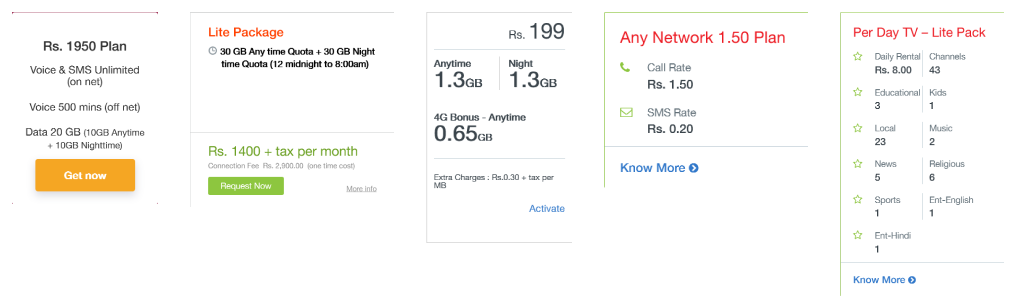
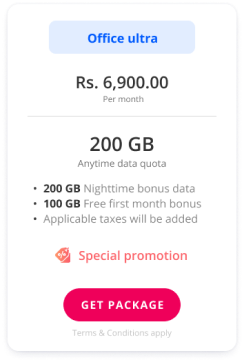
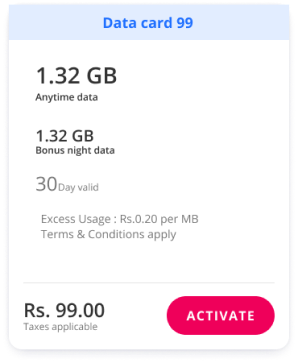
One of the main problems plaguing the existing website was the sheer number and variety of packages. On top of that, each line of business displayed its package cards differently, both visually and in terms of information.
Designing a consistent card layout that worked for all lines of business, and getting them all to agree on it, was one of the toughest hurdles we had to get past.
After analyzing all the available package variations, we grouped them into two types based on their behavior: base packages, which are monthly rentals, and add-ons, which are one-time activations. We designed two distinct layouts that fit all the business needs while looking consistent. This also solved a major issue for users, as there had been many complaints from people who mistakenly activated a rental package instead of a one-time package.
Heatmapping
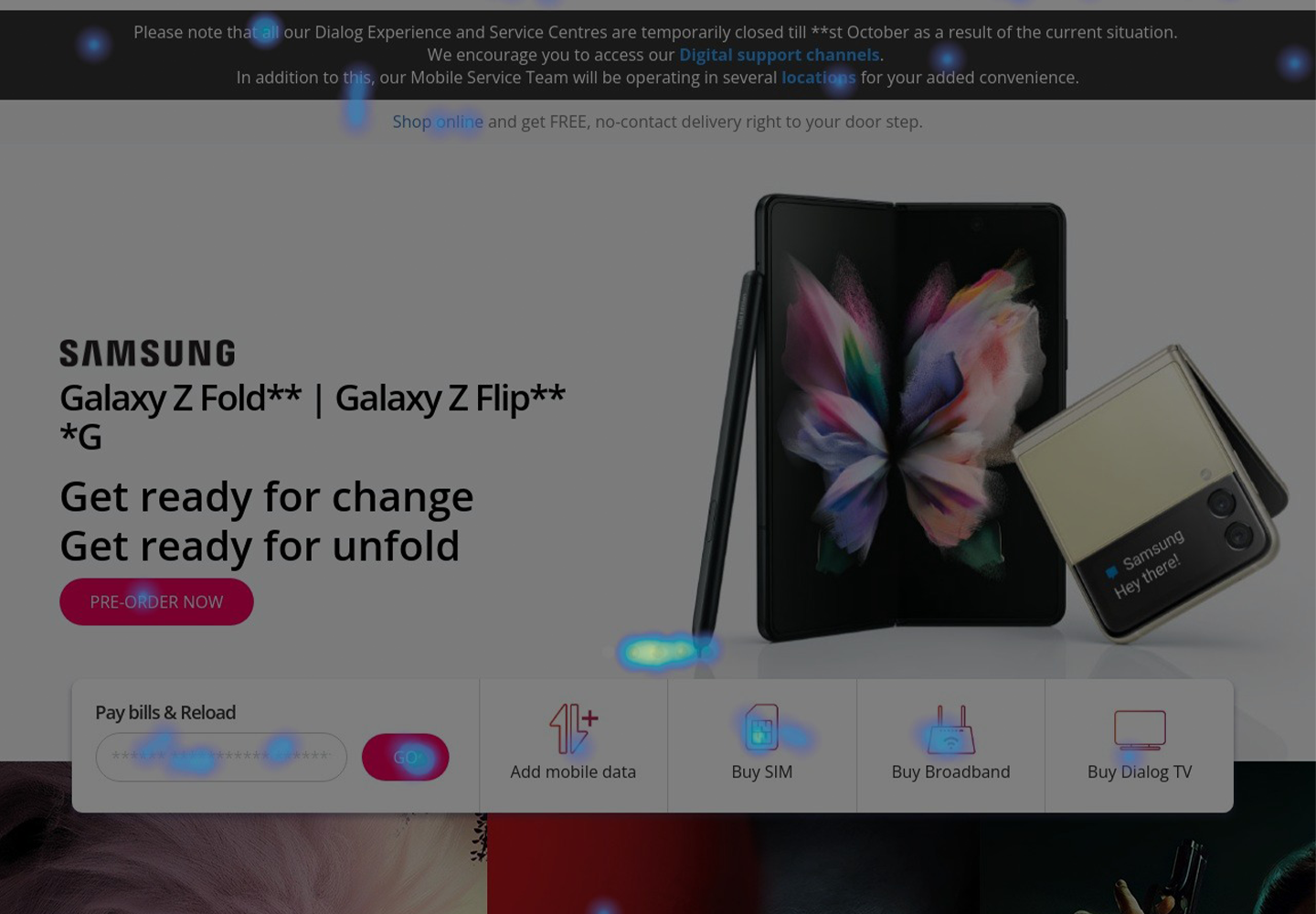
Using heatmaps, we were able to observe how users engaged with the design and where engagement had increased or decreased. We noticed an improvement on most of the important CTAs.
Analytics
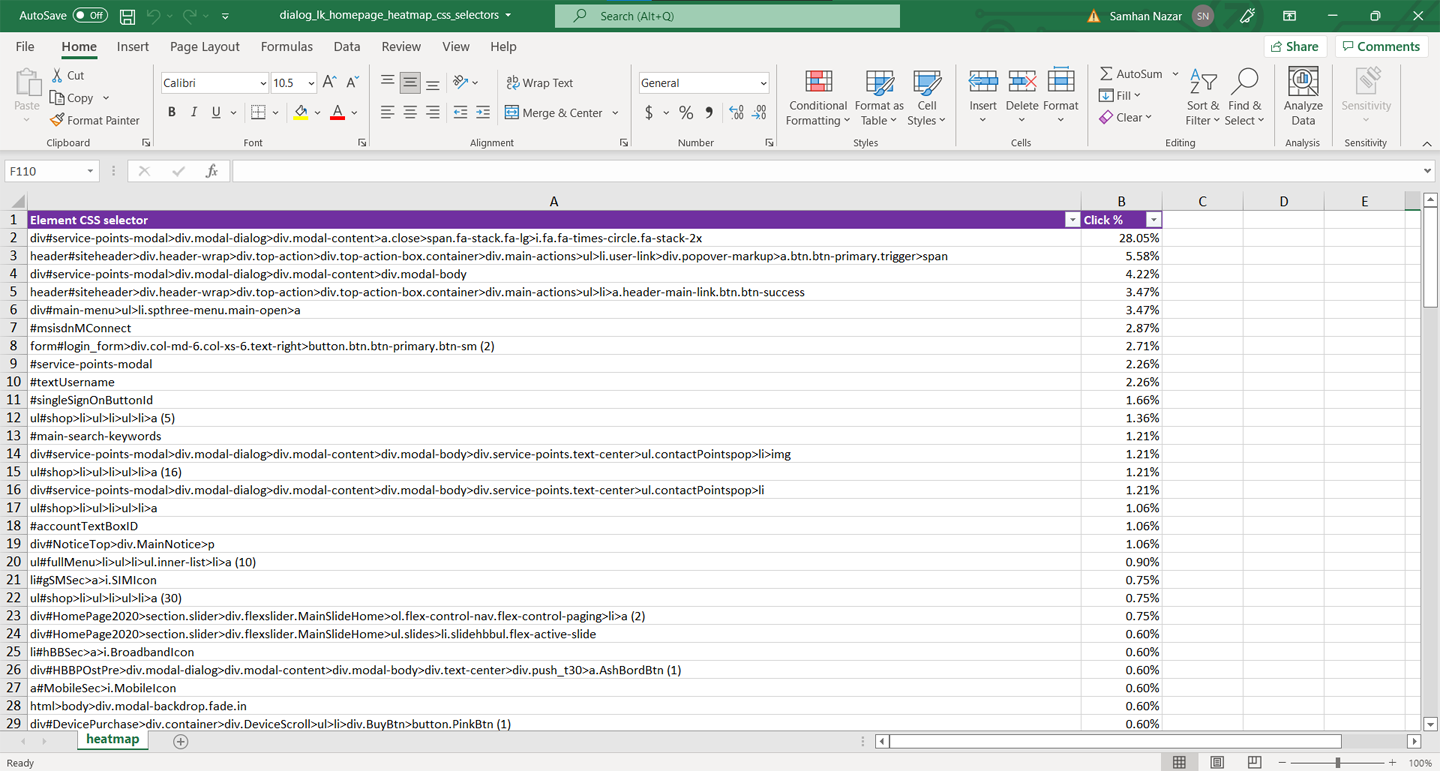
We also used CSS selectors to measure click percentages, specifically on the header. We noticed a slight improvement in header usage, but as we predicted, most users entered our inner pages directly from Google Search.